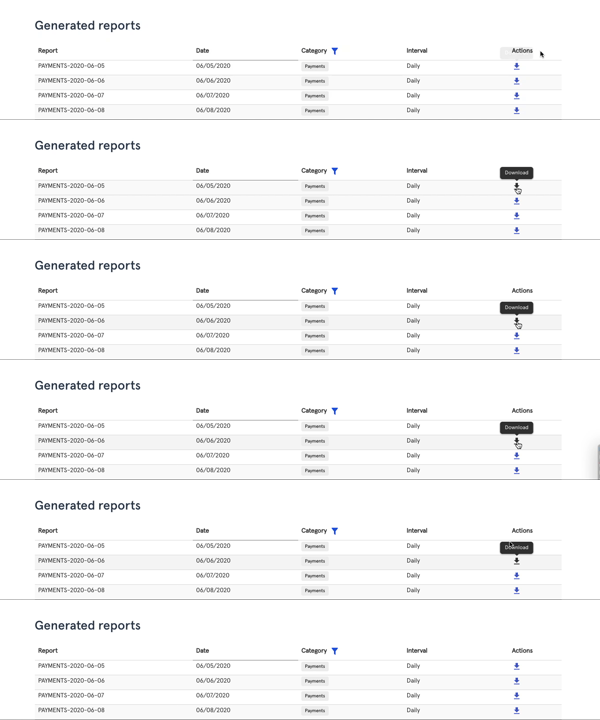
Reports
To generate reports, click on Dashboard from the main menu. Under Dashboard, click Reports.
In the Reports module, you can access daily Communication and Payments reports generated automatically from the system.
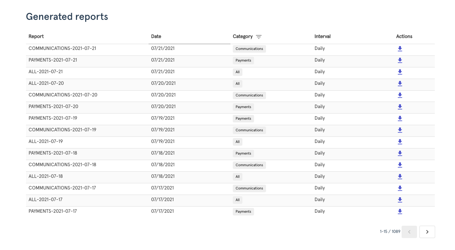
You can also:
- Sort by date,
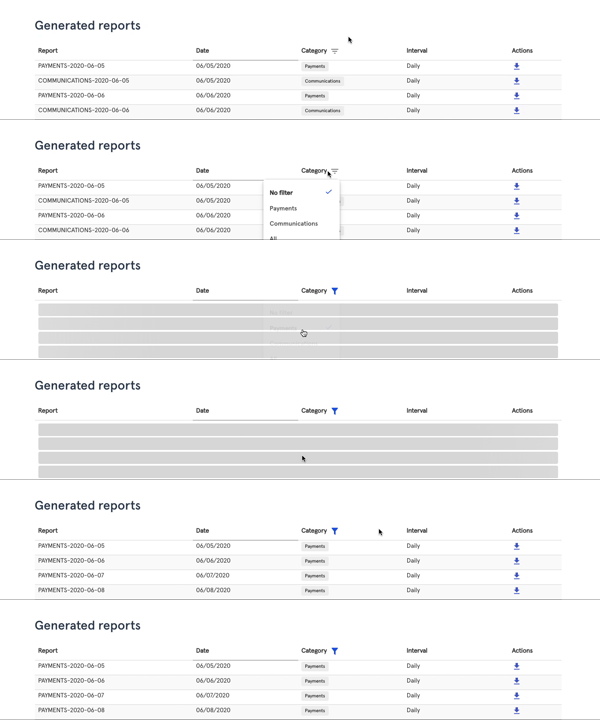
- filter by Category or interval
- and, download CSV files of each report.