Set up a Reaction
Create Reactions on the receeve platform (video)
As explained in this article, Reactions allow us to do something simple like reacting to a a real-life event, or completely change the strategy and direction of a claim. The Reactions feature will enable you to set up reactions to any event in the system with predefined automatic responses.
Create a new reaction
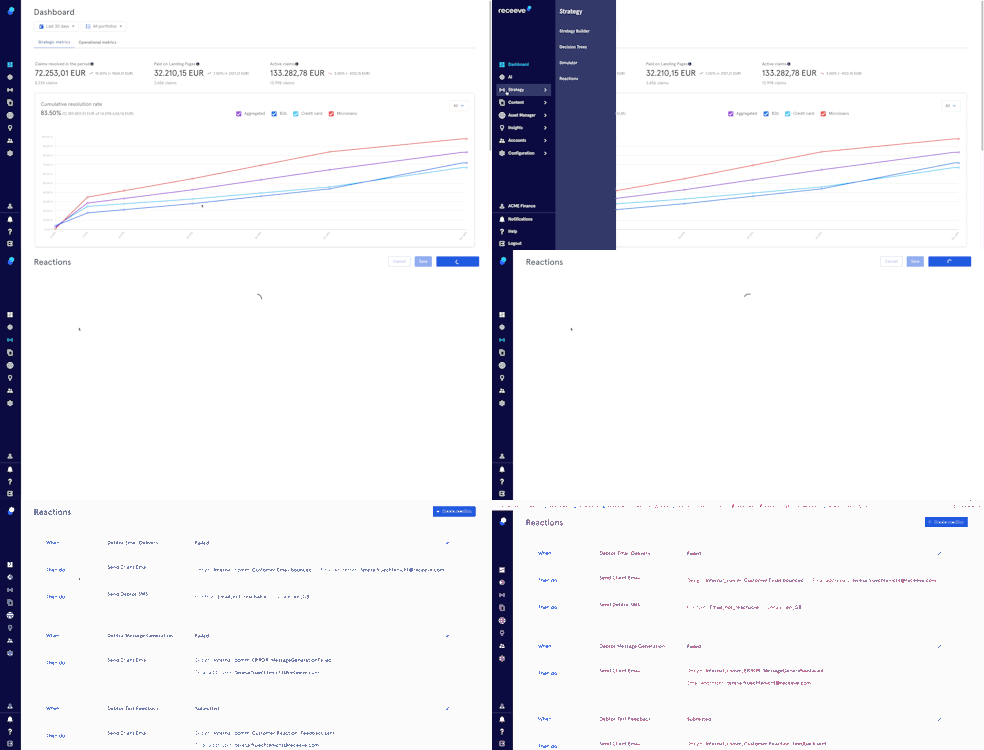
To start, click on 'Strategy' in the main menu. Then click on 'Reactions'
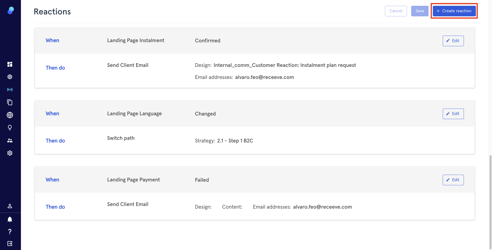
To add a new reaction, click on the “+Add Reaction” button
When
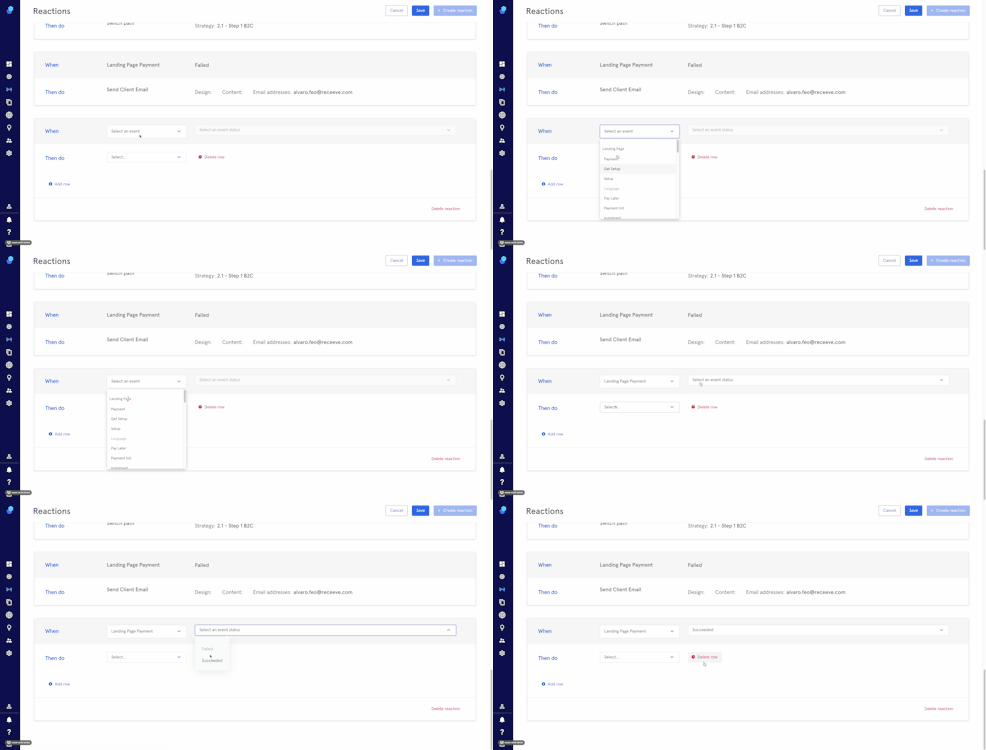
- Click on the dropdown 'Select an Event' to choose an event.
- Then click on 'Select an event status' to choose a status.
Then do
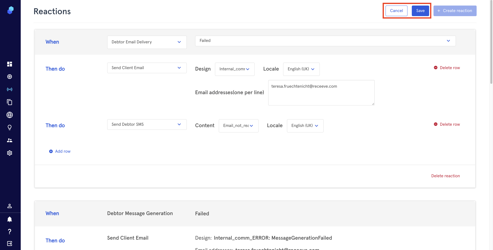
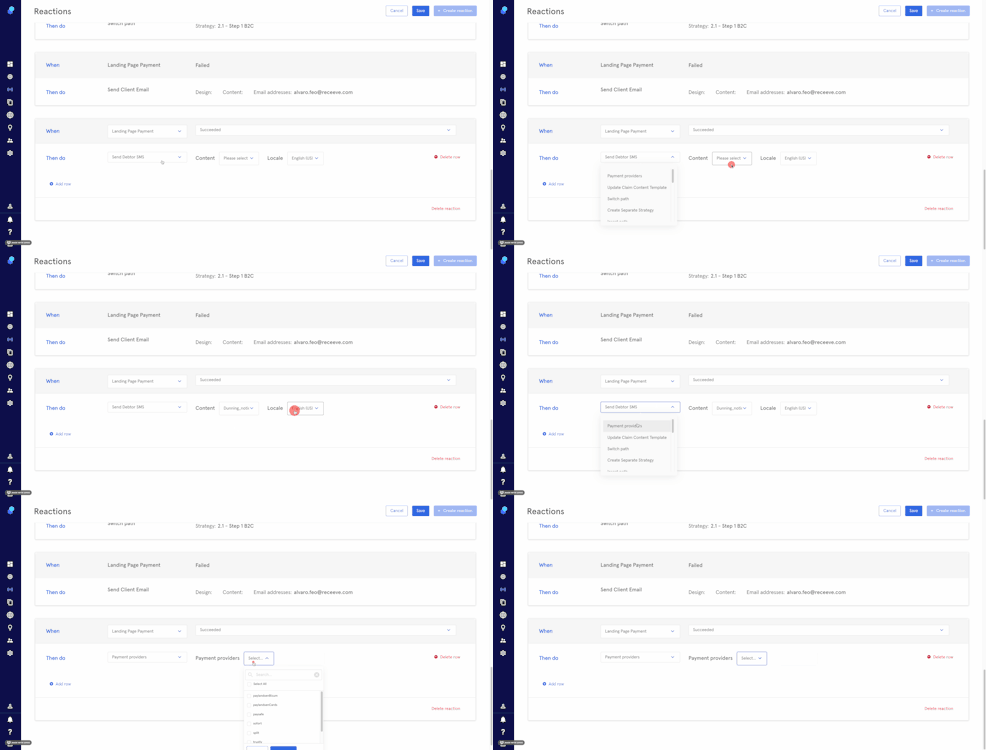
- Select a reaction from the dropdown.
- Depending on the reaction, you might need to choose path, template, locale etc.
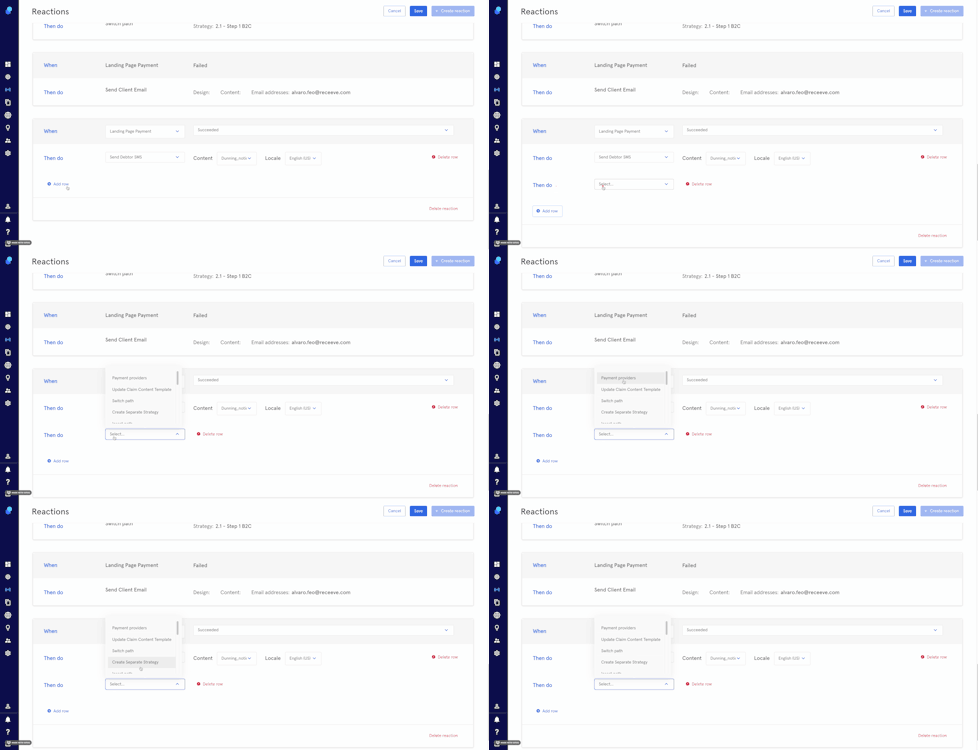
- Click on 'Add row' to add a new reaction if needed.
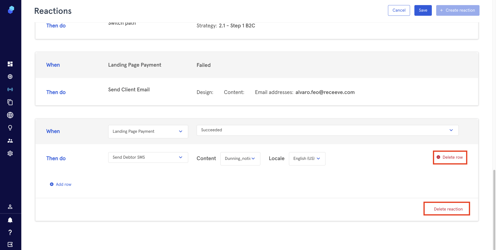
- Delete rows by clicking on the 'delete row' button.
- Delete the reaction by clicking on the 'Delete reaction' button.
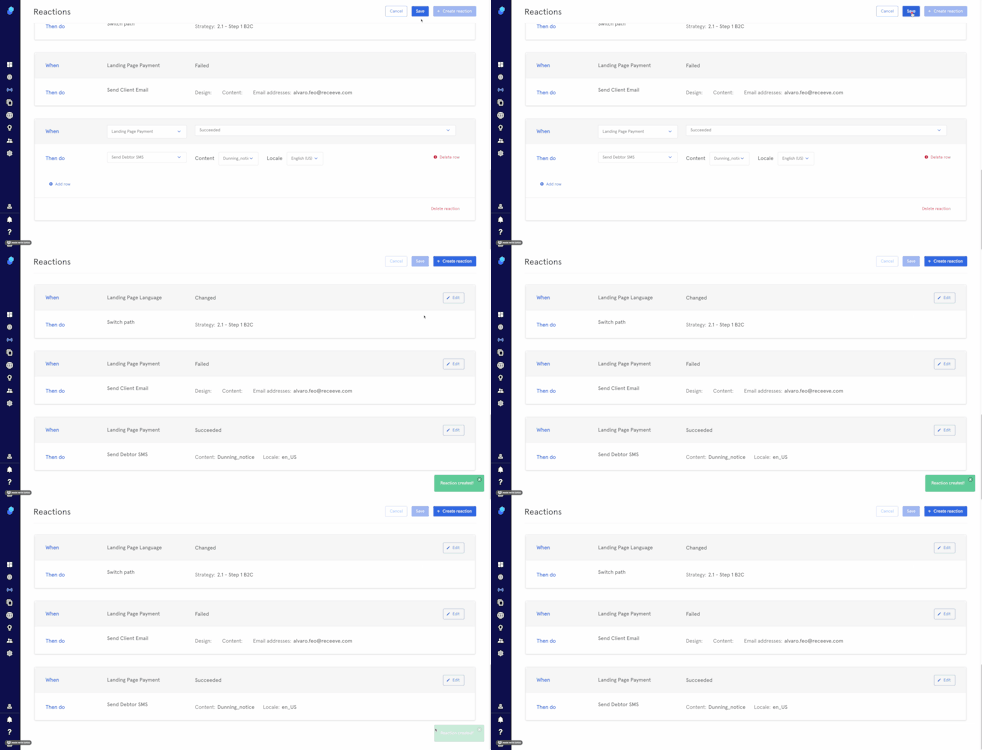
- Save the reaction by clicking on the 'Save' button (top right). You'll see a confirmation message in green (bottom left)
Edit an existing reaction
1 . Click on the 'Edit' button you'll see in reaction box (top right corner) and proceed with the changes as explained in the previous section.
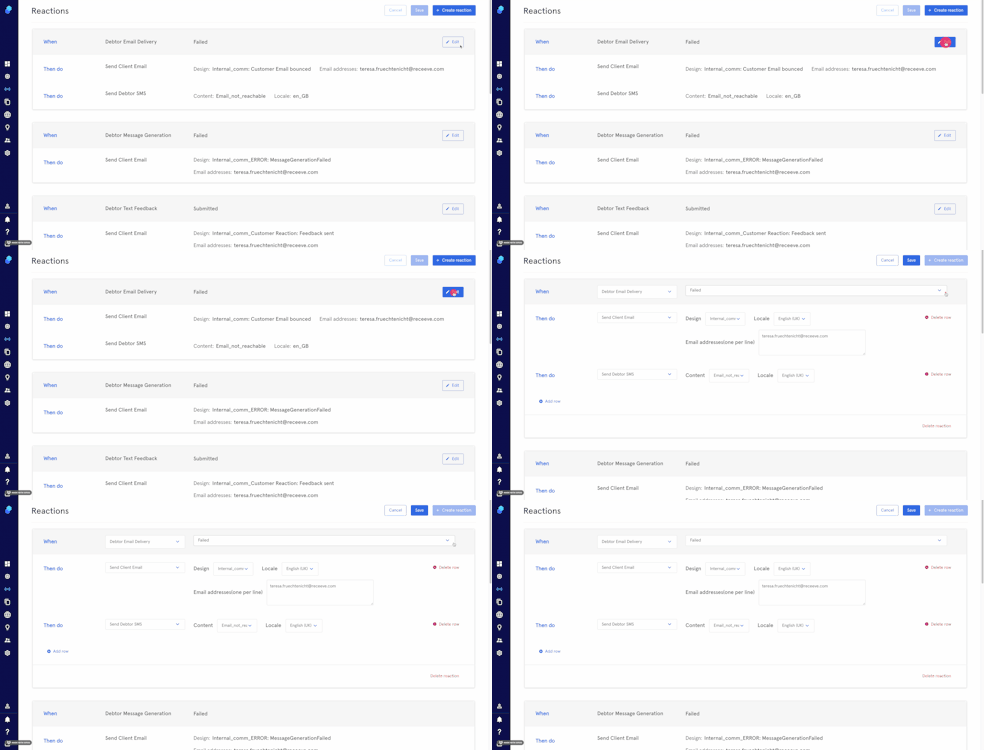
- Click on 'Save' to save them or
- Click on 'Cancel' to keep the reaction as it originally was.