Step: Create task
This step will allow you to assign claims to a specific group or queue or even a specific agent so they can perform certain task or tasks.
Creating the step
To start, click Strategy from the menu and then proceed to Strategy Builder.
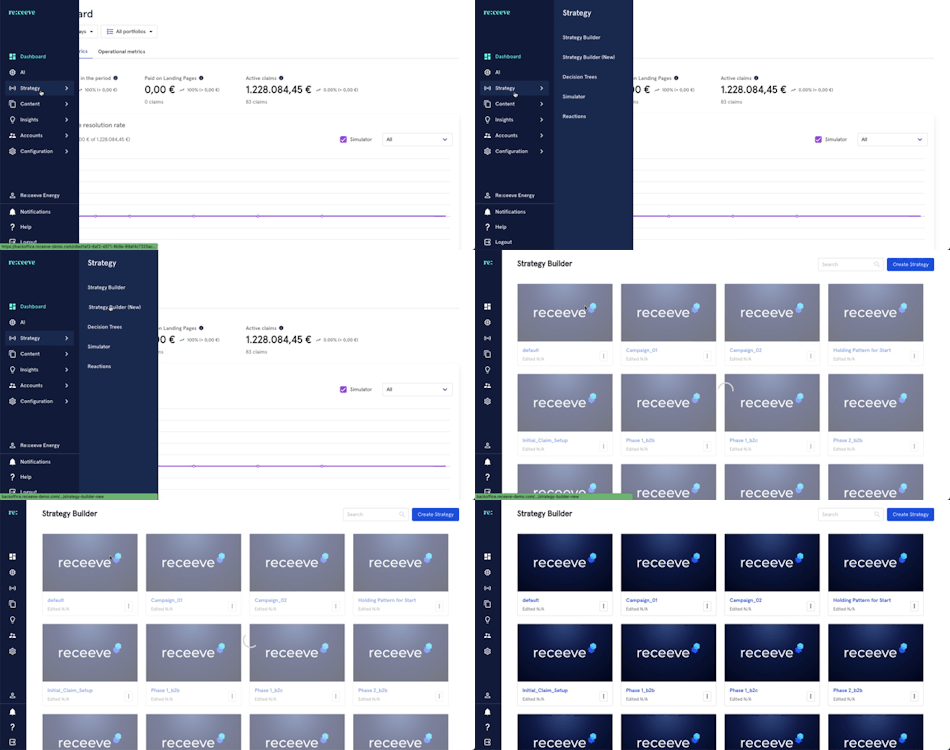
On the step library, locate the 'Create task' step under the Claims section (Yellow) and then drag it to your strategy. You may also look for the step by typing in the Search box.
Creating a task
This is what we'll do:
- Click on the step; a modal will appear on the right side of your screen.
- Add a description
- Assign to a group or queue.
- Select a specific group or queue.
- Select user (optional)
- Add due date (optional)
- Add a tag (optional)
- Add a note (optional)
- Click on 'Continue' to proceed or click on 'Delete step' to delete it.
Example
We want to create a task that will be executed after a specific DPD deadline: