Step: Place Call
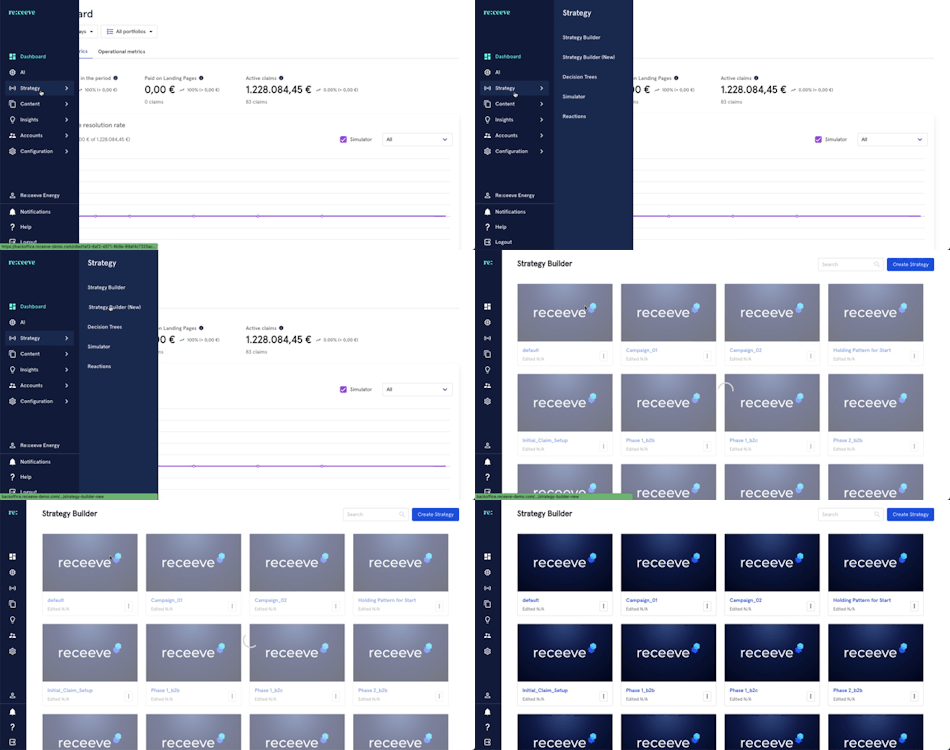
To set-up the ‘Place Call’ step, from the menu go to Strategy and click Strategy Builder.
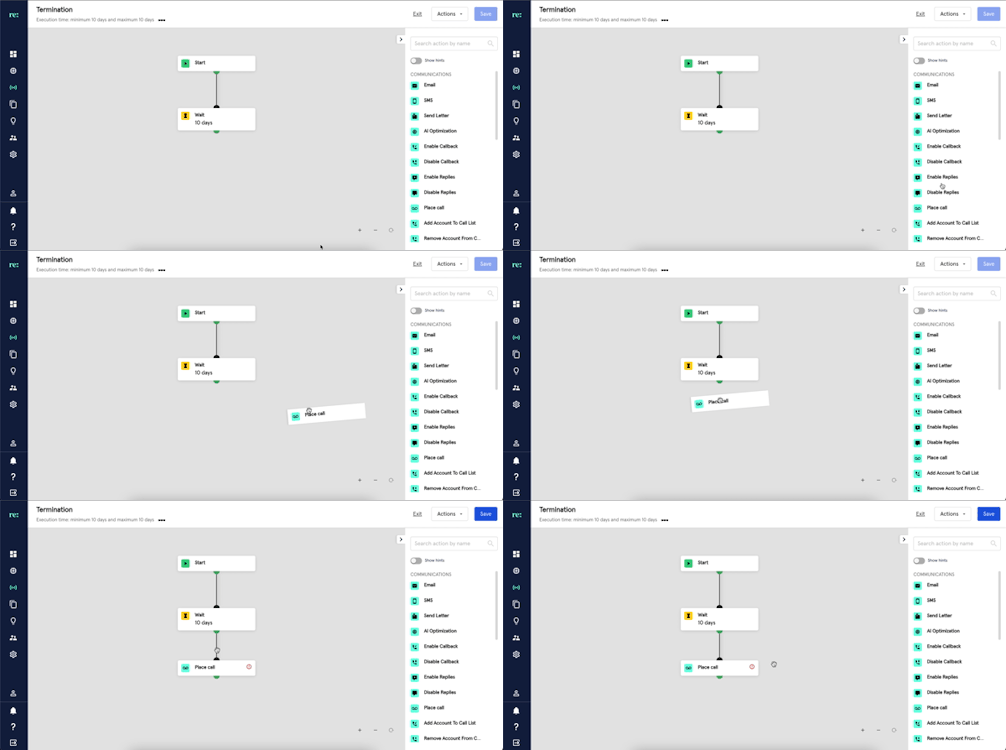
Find the ‘Place Call’ step, identified by a blue icon under the Communications section. Click then drag it to the Strategy you're building.
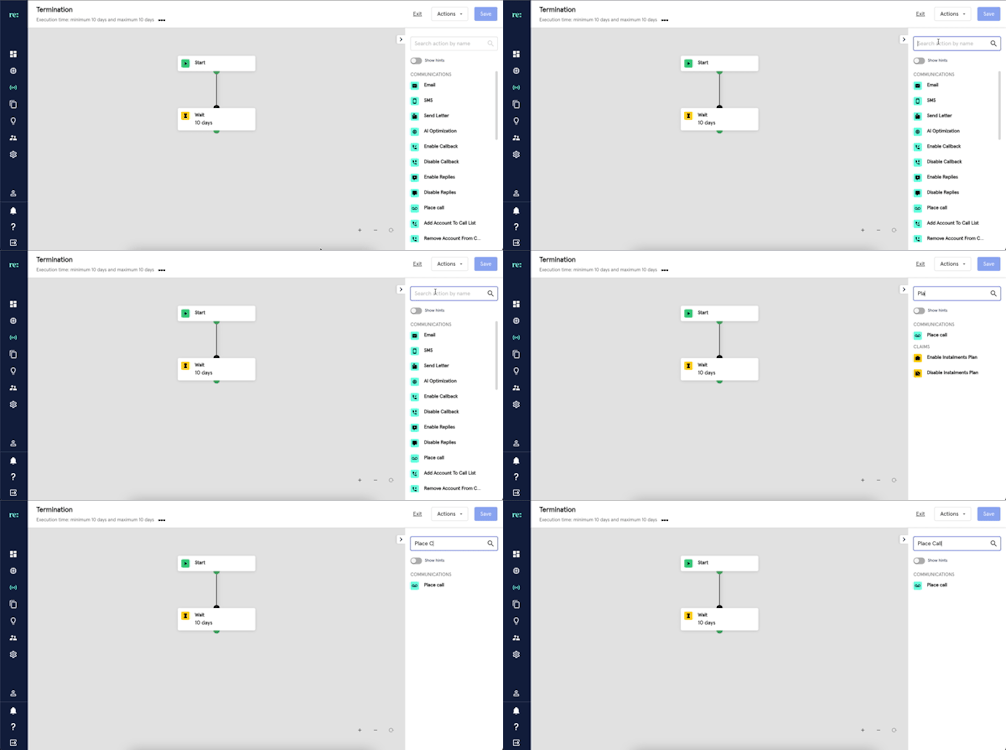
You may also look for Place Call by typing it at the search bar.
Once the step is linked, click the ‘Place Call’ step and proceed with the following:
- Click Content and from the dropdown select a previously built Robocall or TTS Calls. This will enable the automated call placement you have set-up. Know about Robocall builder here
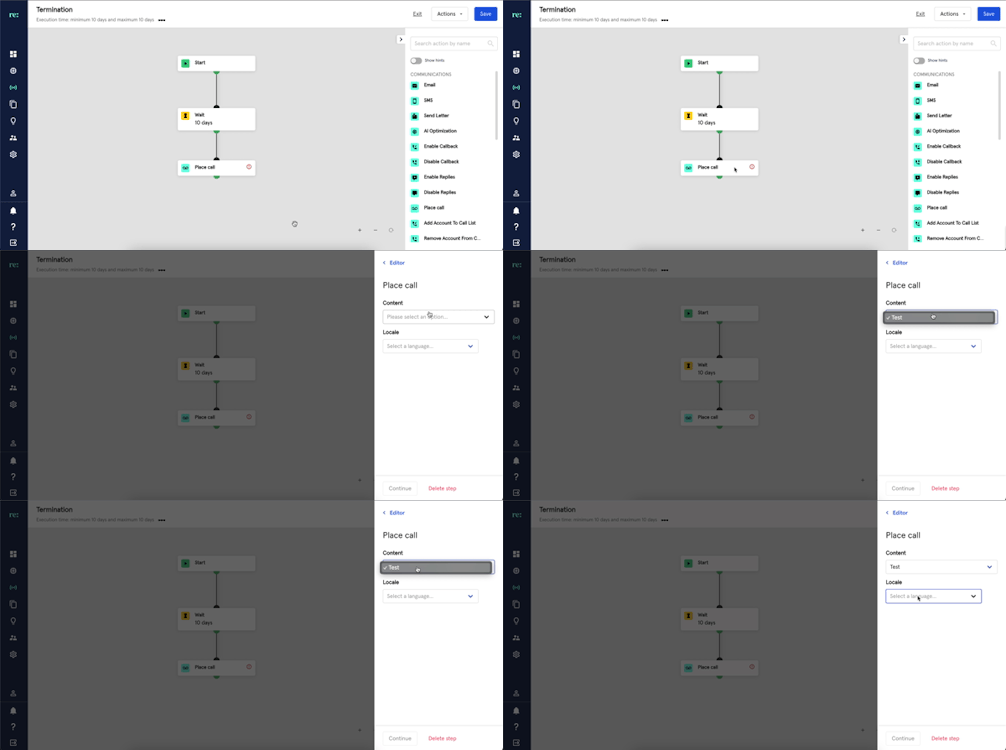
- Find and click a Locale.
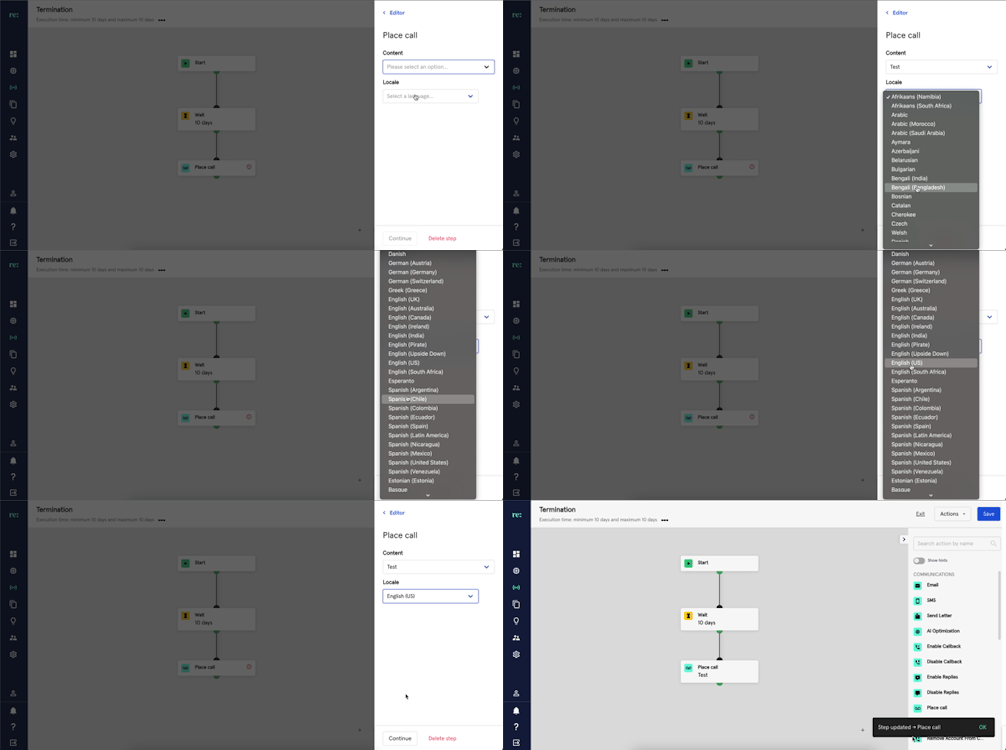
- To save the details of the ‘Place Call’ step, press ‘Continue’.

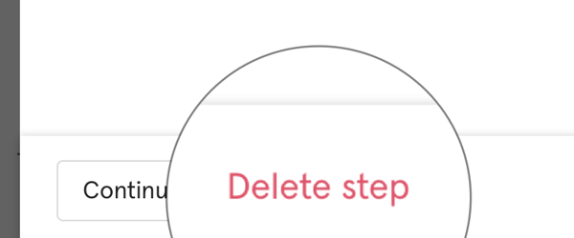
- A ‘Place Call’ step may also be deleted by clicking the ‘Delete Step’.