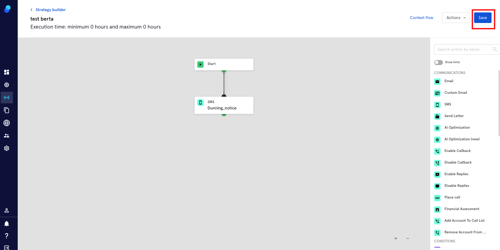
Step Type: SMS
This step will allow you to include SMS as part of your strategy while respecting the operational hours you've set up. Let's see how it works:
You'll find all the steps available on the right side of your screen
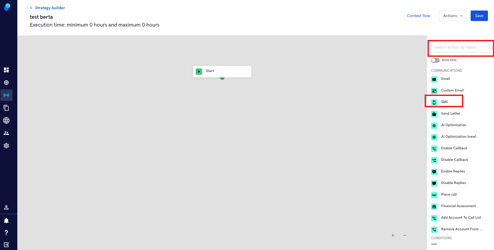
- Scroll down and look for the SMS step or use the search box.
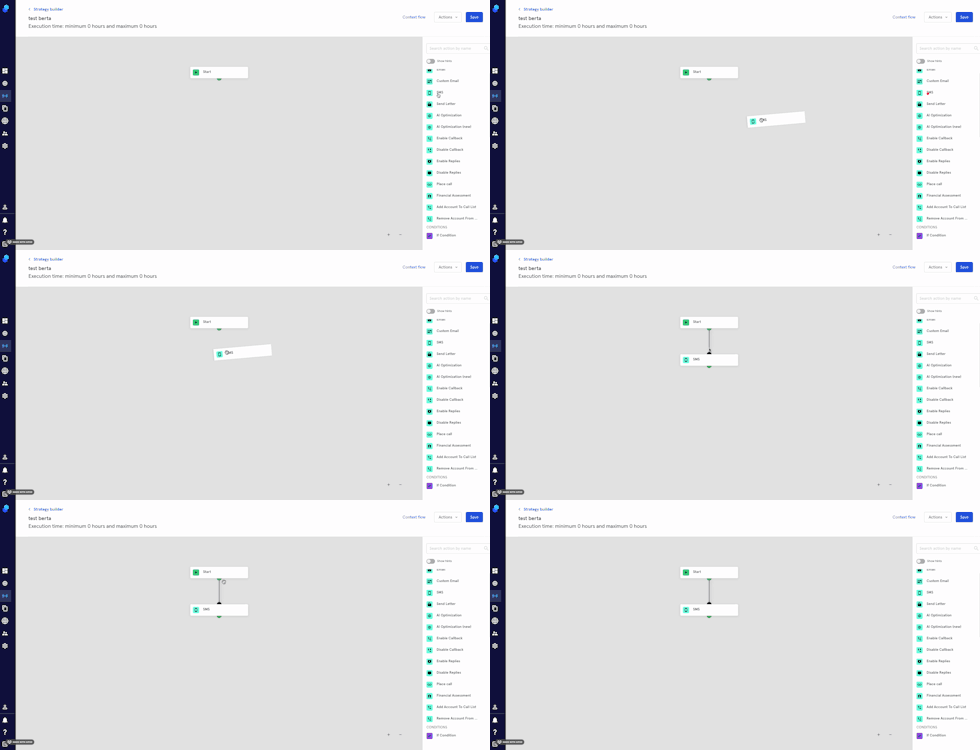
- Drag and drop the step onto the strategy.
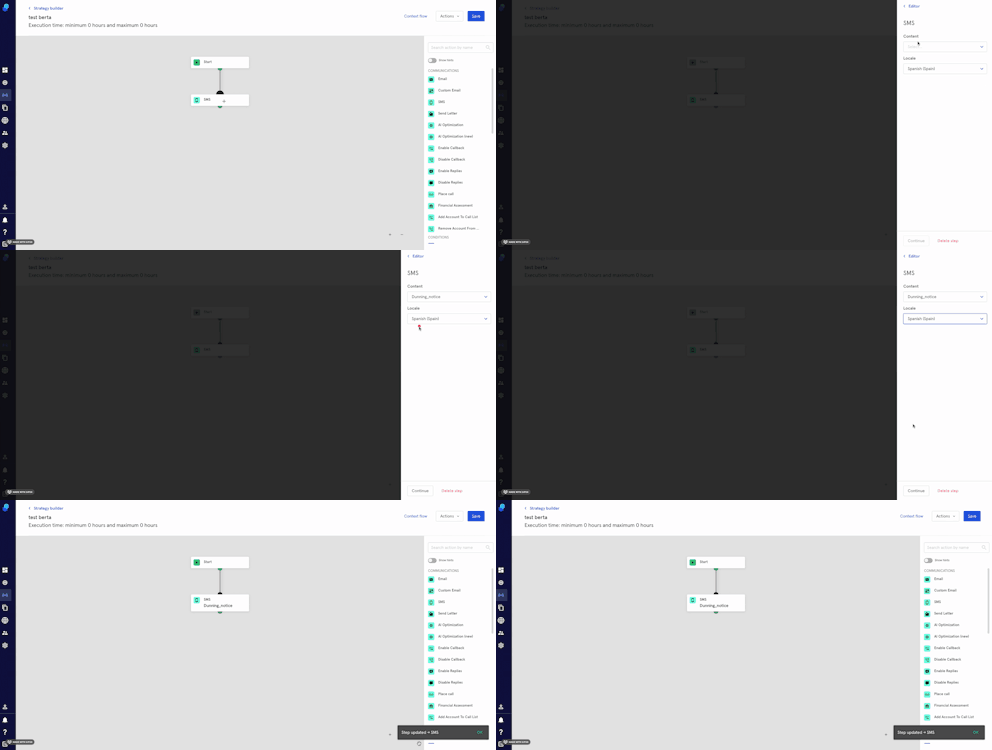
- Click on the step to add the Content and Locale.
- Click Continue to proceed or delete step to Cancel.
- Remember to Click on Save (top right) to Save your strategy.